
This quick guide will take you through the steps of logging in to your cPanel.
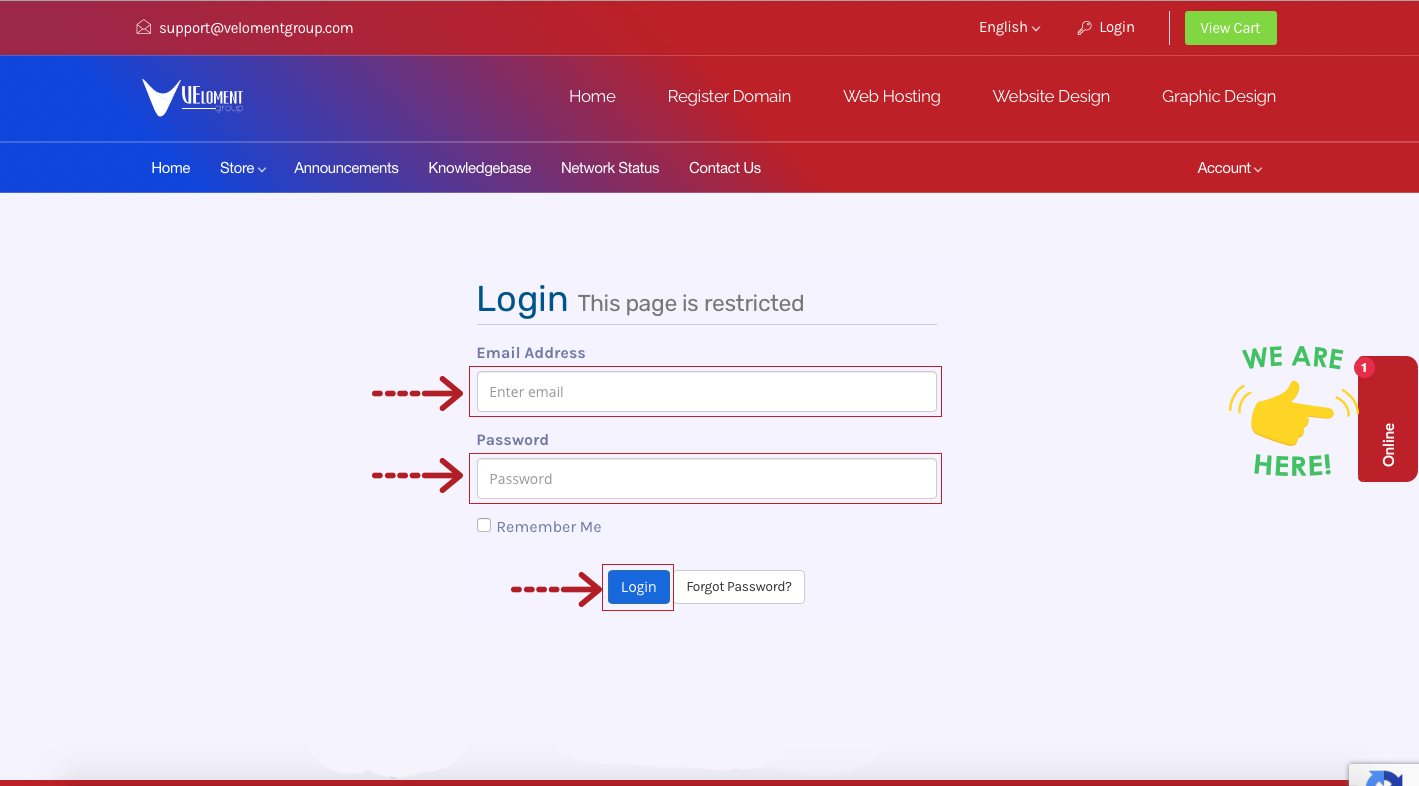
Step 1- Login to your Veloment Group Customer Zone
- - Go to https://velomentgroup.com/client/index.php/login
- - Enter your registered email address and password which was sent to your via email when signing up.
Step 2- Click on Services
Step 2- Click Manage Product on the relevant Linux hosting package.
Step 3- Click on Login to Cpanel
Alternatively you could also login to cPanel directly from an internet browser like Chrome.
Step 1 – you can enter one of the following URLs into your browser’s address bar:
https://cpanel.example.co.za OR https://example.co.za/cpanel
**Replace “example.co.za” with your domain name so you are directed to the following page:
