
This guide provides you with a step by step instructions on how to find , download or print your veloment group account statements.
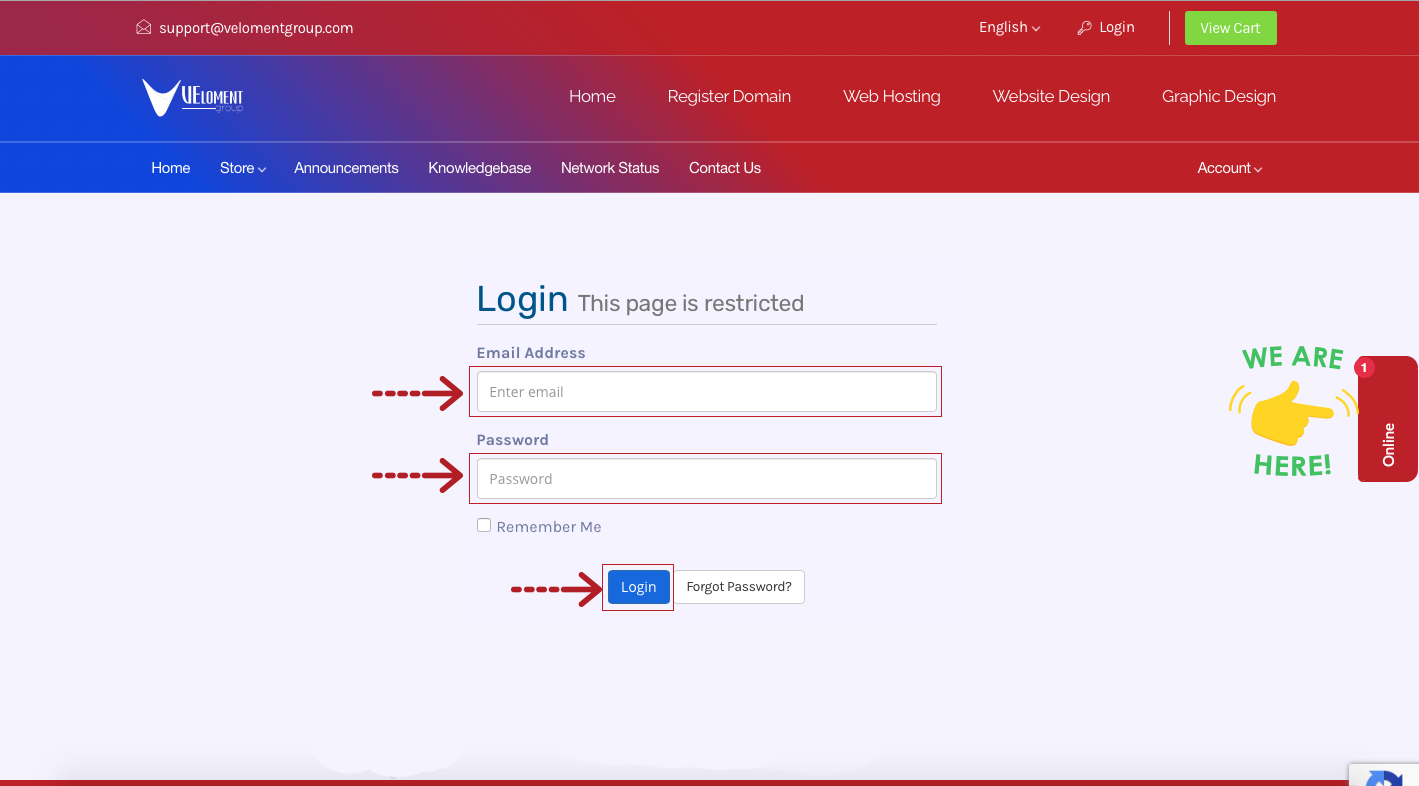
Step 1- Login to your Veloment Group Customer Zone
- Go to https://velomentgroup.com/client/index.php/login
- Enter your registered email address and password which was sent to your via email when signing up.
Step 2- Click on Billing then Statements
Step 3- View or Download Statements
- Clicking this option will take you to the section below your invoices “Pro-Forma Statements/Billing”.
