
This guide will take you through the steps of updating your domain nameservers via the veloment group customer zone.
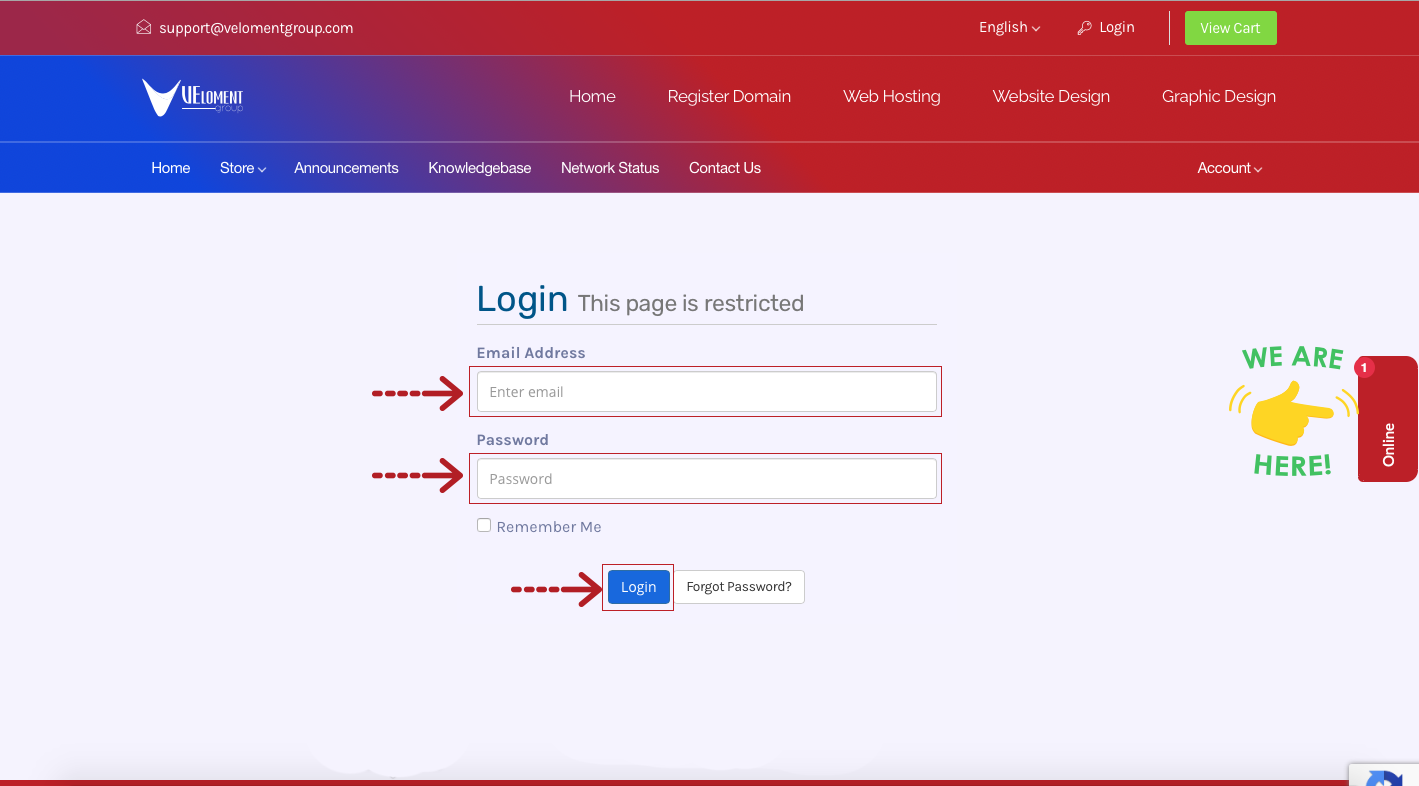
Step 1- Login to your Veloment Group Customer Zone.
- Go to https://velomentgroup.com/client/index.php/login
- Enter your registered email address and password which was sent to your via email when signing up.
Step 2 – Click on Domains.
Step 3 – Click the drop down arrow and select Manage Nameservers.
Step 4 – Update your domain nameservers and click Change Nameservers.
